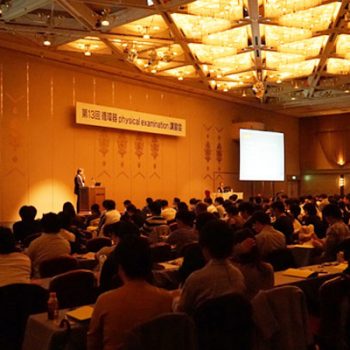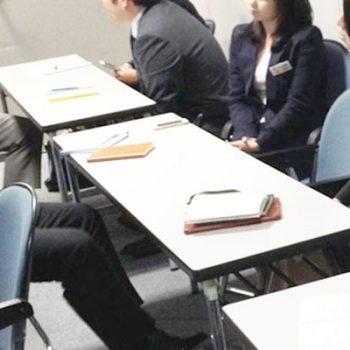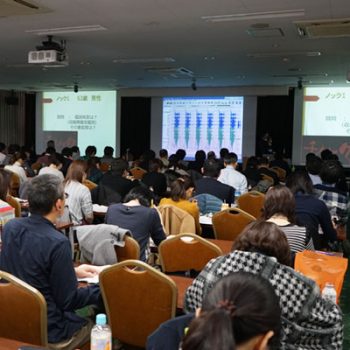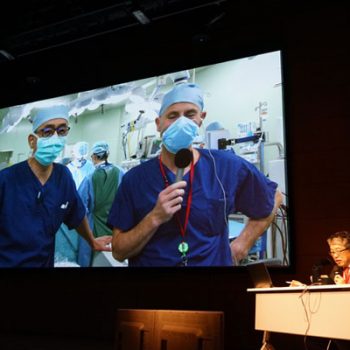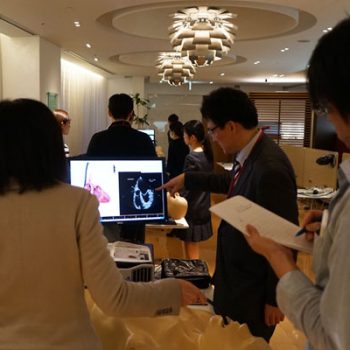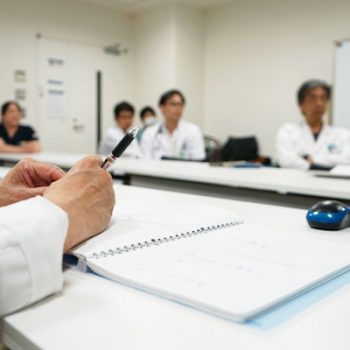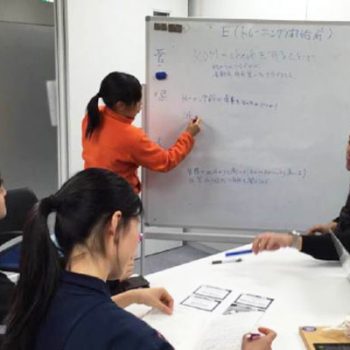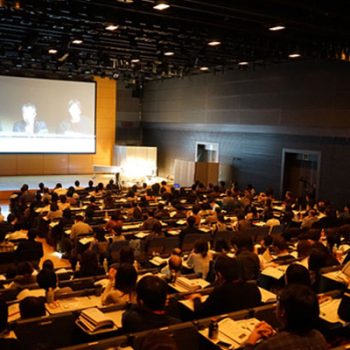

私たちは家庭やオフィスで体や健康のことを楽しく話せる環境づくり、
医療職へのコミュニケーション研修、病院広報・学術広報支援を通じて、
医療コミュニケーションの活性化に取り組んでいます。
私たちと一緒に、「話そう!医学」を始めてみませんか?

私たちは家庭やオフィスで体や健康のことを楽しく話せる環境づくり、
医療職へのコミュニケーション研修、病院広報・学術広報支援を通じて、
医療コミュニケーションの活性化に取り組んでいます。
私たちと一緒に、「話そう!医学」を始めてみませんか?
私たちは、『話そう!医学』を合言葉に「コミュニケーションとしての医療」に取り組む会社です。
私たちの考える医療とは、人が人を大切にするためのコミュニケーションです。
転んだ子供の膝に絆創膏を貼ってあげる
風邪で寝込んだ家族におかゆを作ってあげる
体調の良くない同僚を気遣って仕事を手伝ってあげる
そのどれもが、人を大切にしようとする立派な医療です。
医療をコミュニケーションとして考えたとき、その誰かの命(Vital)を大切にしようとするアクションは、病院の中だけに留まらず、家庭(family)や職場(company)まで巻き込んでもっともっと広まっていけるはずです。
命をつなぐコミュニケーションのなかで、もっとも大切で基本となるアクション、それが「医学を話す」ということです。
私たちは、みんなで楽しく、もっと活発に体や健康、病気のことを話し合えるように、「話そう!医学」を合言葉に、医療コミュニケーションの「人材教育」と「環境づくり」に取り組んでいます。
私たちは、あなたの一歩を待っています。さあ、私たちと一緒に医療コミュニケーションに取り組んでいきませんか?
代表取締役 竹田 陽介
常日頃よりお世話になっている医療機関、学会、教育機関、企業関係者の皆様に心より御礼申し上げます。
(以下敬称略)
けやき坂クリニック、循環器 Physical Examination 研究会、倫生会みどり病院、J-Workout株式会社、東京ハートラボ、東京ベイ・浦安市川医療センター、The Echo Live、日本ホスピタリティ・マネジメント学会、日本心臓弁膜症学会、埼玉女子短期大学、FRIENDS Live、第9回日本下肢救済・足病学会学術集会、ストラクチャークラブジャパン、ARIA(Alliance for Revolution and Interventional Cardiology Advancement)、株式会社フィリップス・ ジャパン、第16回日本フットケア学会学術集会、病院マーケティングサミットJAPAN、日本ビジネス出版、山口大学医学部附属病院、Asia Pacific Federation of Pharmacologists、東京慈恵会医科大学心臓外科、日本メジフィジックス株式会社、アボットバスキュラージャパン株式会社、生長会府中病院、生長会府中クリニック、Pan-Pacific Primary Angioplasty Conference、神戸市立医療センター中央市民病院、アシスト・ジャパン株式会社、事業構想大学院、エムスリーキャリア株式会社、九州大学循環器内科、循環動態アカデミー、千葉大学医学部内分泌代謝・血液・老年内科学講座、オムロン ヘルスケア株式会社、第17回日本フットケア学会学術集会、御所南はなこクリニック、聖路加国際大学、Act Against Amputation、株式会社日経BP、第83回日本循環器学会学術集会、京都府立医科大学地域保健医療疫学講座







株式会社Vitaly(ヴァイタリー) Vitaly Inc.
2014年1月
医療機関・学会を対象としたブランディング、webサイト分析・制作・運用支援
一般向け健康づくり講演
医療従事者向けコミュニケーション研修
企業向け健康経営コンサルティング
各種出版物、webサイト、イベント等の医学監修
疾病の予防、診断、治療に関する医学的調査及び研究
5100万円(資本準備金含む)
〒150-0043 東京都渋谷区道玄坂1丁目10番8号渋谷道玄坂東急ビル2F-C
info@vitaly.jp